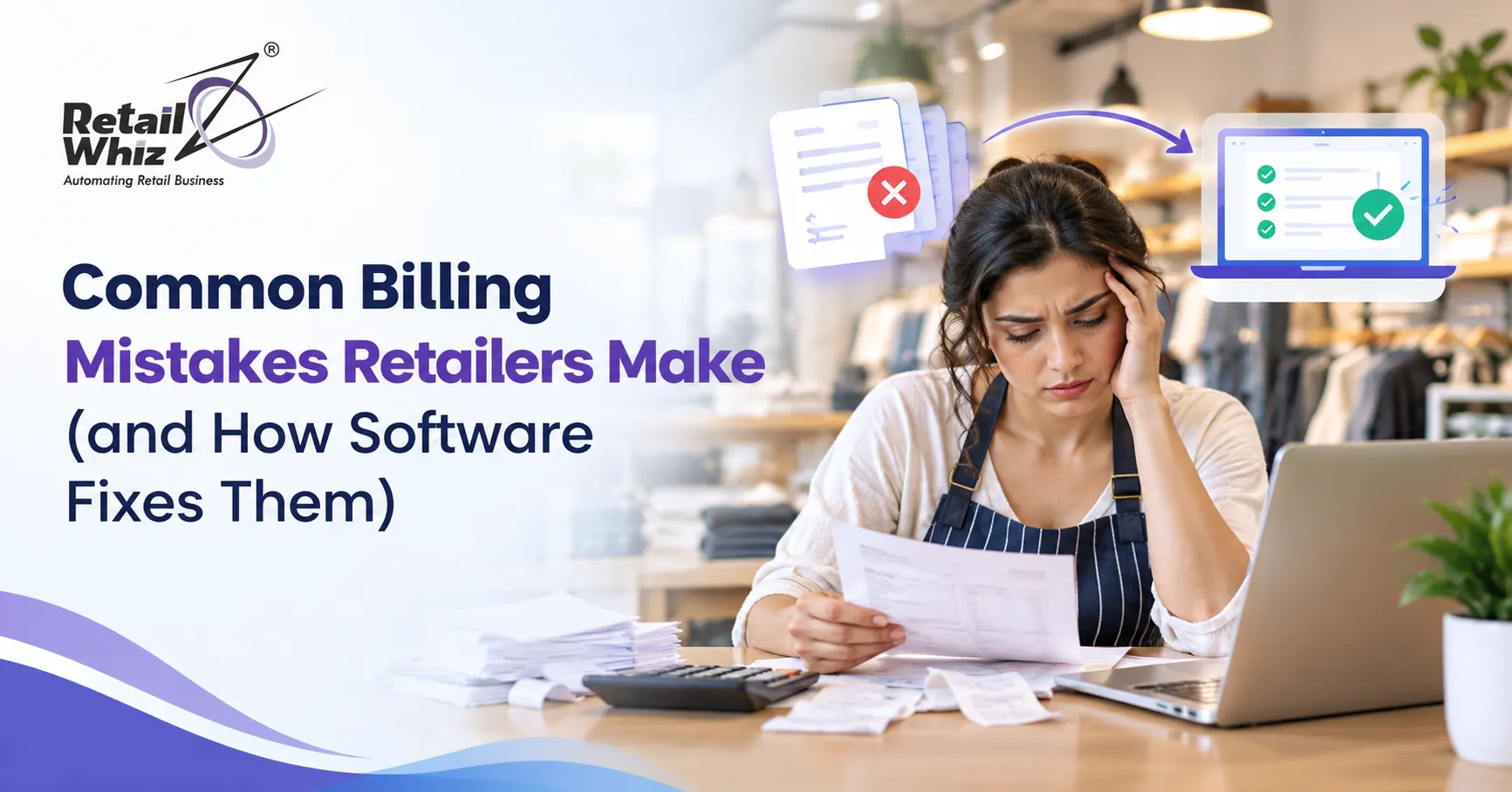
Billing is the heart of every retail store. Every sale, return, discount and tax calculation passes through your billing counter, and a small error at that point can quietly drain your profits. A wrong price here, a missed GST rate there, and a stock count that never matches reality: these issues look minor on their own, but together they cost retailers lakhs every year.
The good news is that most billing problems are predictable, and they can be fixed. Modern retail billing software automates the tasks that cause errors in the first place. In this guide, we cover the most common billing mistakes retailers make and explain how the right POS billing software, inventory management system and GST billing tools solve each one.
Why Billing Accuracy Matters for Retailers
Billing accuracy affects more than your daily sales figure. It influences:
- Profit margins: Incorrect discounts and pricing errors reduce what you actually earn on each product.
- GST compliance: Wrong invoices lead to filing mismatches, notices and penalties.
- Customer trust: Shoppers remember being overcharged or waiting too long at the counter.
- Stock control: Billing data drives your inventory records, so billing errors become stock errors.
- Business decisions: Reports are only as reliable as the transactions behind them.
When billing is accurate and fast, everything else in the business gets easier. Let us look at where retailers most often go wrong.
Mistake 1: Relying on Manual Billing and Data Entry
Many small and mid-sized stores still depend on handwritten bills, calculators or basic spreadsheets. Manual billing is slow, and humans make mistakes when they are tired, rushed or dealing with a long queue. Typical errors include typing the wrong quantity, picking the wrong price, adding totals incorrectly and forgetting to record a sale entirely.
Manual data entry also creates duplicate work. The cashier writes the bill, someone else enters it into accounts, and a third person updates stock. Each handoff is another chance for error.
How software fixes it: Retail billing software generates invoices automatically from the product database. Prices, taxes and totals are calculated by the system, so the cashier only scans items and collects payment. Each sale is recorded once and flows into stock and accounts without re-entry.
Mistake 2: Getting GST Calculations and Invoices Wrong
GST rules are one of the biggest headaches for Indian retailers. Different products carry different tax rates, HSN codes must be correct, and invoices must follow a specific format. Applying the wrong GST rate, skipping HSN details or mixing up CGST, SGST and IGST can create mismatches in your returns and attract notices from the tax department.
Retailers who bill manually or use generic tools often discover these mistakes only at the time of filing, when fixing them is stressful and time-consuming.
How software fixes it: A proper GST billing software stores the correct tax rate and HSN code against every item and applies them automatically at the time of sale. It produces compliant tax invoices and prepares data for return filing. If you want to see how automated tax handling works in practice, explore RetailWhizz’s GST and compliance solution built for Indian retailers.
Mistake 3: Pricing and Discount Errors
Wrong pricing is one of the most common and expensive billing mistakes. Stores run festival offers, bulk discounts, buy-one-get-one deals and member pricing, then struggle to apply them consistently. Cashiers may forget to remove an expired offer, give unauthorised discounts or bill an old MRP after a price change.
Even a small, repeated pricing slip across hundreds of daily bills turns into a serious margin leak.
How software fixes it: With billing software, you set prices and promotions once in a central system. Offers can be scheduled with start and end dates, discount limits can be locked by user role, and price changes reflect across all counters instantly. Cashiers cannot override rules without permission, which protects your margins.
Mistake 4: Billing That Is Not Connected to Inventory
This is the mistake behind most “the stock does not match” complaints. When billing and inventory run as separate systems, every sale has to be manually reflected in stock. Staff forget, delay or make errors, and soon the system says an item is available when the shelf is empty, or the other way round.
The result is lost sales from stockouts, cash blocked in overstocked items and endless physical stock verification.
How software fixes it: Integrated inventory management software updates stock automatically after every sale, return, purchase and transfer. You get real-time stock levels, low-stock alerts and reorder suggestions. Because billing and inventory share one database, your stock records stay accurate without extra effort.
Mistake 5: Slow Checkout and Long Billing Queues
A slow billing counter is a silent sales killer. Customers who face long queues often abandon their baskets or choose a competitor next time. Slow checkout usually comes from typing product names by hand, searching for prices, switching between screens or waiting for a freezing system.
How software fixes it: A fast, reliable POS software shortens every transaction. Barcode scanning, quick product search, saved customer details, split payments and instant invoice printing help cashiers serve more customers per hour. Many systems also work in offline mode, so billing continues even when the internet drops during peak hours.
Mistake 6: Not Using Barcode Scanning
Stores that still key in items manually face wrong product selection, inconsistent naming and slower billing. Without barcodes, even simple tasks such as stock audits and price checks take far longer than they should.
How software fixes it: Barcode billing software lets you generate and print barcodes or labels, scan them at the counter and pull up the exact product, price and tax in a split second. It reduces human error, speeds up billing and makes stock counting much easier.
Mistake 7: Mishandling Returns, Exchanges and Credit Notes
Returns and exchanges are a normal part of retail, but many stores record them informally. A product comes back, cash is refunded, and the entry is never made. This throws off stock, sales totals and GST calculations, and it opens the door to refund fraud.
How software fixes it: Billing software links every return to the original invoice, issues proper credit notes and puts the item back into stock automatically. Approval rules can be set so that refunds above a certain amount need a manager’s authorisation, giving you a clear audit trail.
Mistake 8: Poor Tracking of Payments and Reconciliation
Today’s customers pay by cash, cards, UPI, wallets and sometimes a mix of all four. When payments are not recorded properly by mode, end-of-day cash reconciliation becomes a guessing game. Retailers also lose track of credit sales and pending dues, which hurts cash flow.
How software fixes it: Modern billing systems record each payment by type and support split payments. Integrated payment gateways confirm transactions instantly, and daily collection reports show exactly how much came in through each channel. Credit balances and outstanding amounts are tracked per customer, with reminders where needed.
Mistake 9: Ignoring Reports and Real-Time Visibility
Many owners only check numbers at the end of the month, by which time it is too late to fix anything. Without daily sales reports, you cannot see which products move fast, which ones sit idle, which cashier handles the most voids or which store is underperforming.
How software fixes it: Retail billing software gives you dashboards and reports on sales, margins, top-selling items, stock ageing and staff performance. You can check them from your phone, spot problems the same day and make decisions based on data instead of instinct.
Mistake 10: Using Disconnected Tools Across Stores
As a business grows, it often ends up with one tool for billing, another for stock, a spreadsheet for purchases and a separate accounting package. These tools do not talk to each other, so data has to be moved by hand. Multi-store retailers feel this most, because each outlet may follow its own process and prices.
How software fixes it: An integrated platform connects billing, inventory, purchasing, loyalty and accounting in one place, with central control over multiple stores. If you are unsure whether you need a simple billing tool or a complete system, this comparison of retail ERP vs POS software explains which option suits your stage of growth.
Quick Checklist: Features to Look for in Retail Billing Software
When you evaluate software, make sure it offers:
- GST-compliant invoicing with HSN support
- Barcode scanning and label printing
- Real-time inventory sync with billing
- Flexible discounts, offers and loyalty options
- Multiple payment modes, including UPI and cards
- Returns, exchanges and credit note handling
- Offline billing mode
- Role-based user permissions
- Multi-store management and centralised reports
- Reliable training and support after purchase
Benefits of Fixing Your Billing Process
When retailers move from manual or fragmented billing to a connected system, the improvements are usually felt quickly:
- Fewer billing and tax errors
- Faster checkout and shorter queues
- Accurate, real-time stock levels
- Better control over discounts and staff actions
- Cleaner books and easier GST filing
- Higher customer satisfaction and repeat visits
- Clear data for smarter purchasing and pricing decisions
Final Thoughts
Billing mistakes rarely announce themselves. They show up as small leaks: a missed tax rate, an unrecorded return, a wrong discount, a stock count that is always slightly off. Over a year, those leaks add up to a serious loss of profit and goodwill.
The solution is not to ask your team to be more careful. It is to remove the manual steps that cause errors. A reliable billing and POS system automates calculations, connects stock with sales, keeps tax records compliant and gives you the visibility you need to run the store confidently.
Switching systems also works best with proper guidance. A smooth retail ERP implementation makes sure your data, users and workflows are set up correctly from day one, so your team can start billing accurately without disruption.
Frequently Asked Questions (FAQs)
1. What is the most common billing mistake in retail stores?
Manual data entry is the most common source of billing errors. It leads to wrong prices, incorrect quantities, missed sales and tax mistakes. Automated retail billing software removes most of these issues by calculating bills directly from stored product data.
2. How does billing software help with GST compliance?
GST billing software stores the correct tax rate and HSN code for each product, applies them automatically and generates compliant invoices. It also organises sales data so that return filing becomes faster and more accurate.
3. Can billing software work without an internet connection?
Many modern POS billing systems include an offline mode. Bills continue to be generated at the counter during a network outage, and the data syncs to the main system once the connection returns.
4. Is billing software suitable for small retail shops?
Yes. Small stores benefit just as much as large ones, because automation saves time, reduces errors and gives better control over stock and cash. Choose a solution that can scale as you add products, staff or new outlets.
5. How does billing software reduce stock mismatches?
When billing is integrated with inventory management, every sale, return and purchase updates stock levels automatically. This removes manual stock entry, which is the main cause of mismatches, and gives you accurate real-time quantities.