Running one store is a challenge. Running ten, fifty or two hundred stores across cities, states and countries is a different game altogether. Every new outlet adds new tax rules, payment methods, price lists and sometimes a new currency. If your billing system cannot handle that complexity, errors pile up quickly. Revenue leaks, stock counts drift and month-end closing turns into a spreadsheet nightmare.
This guide explains how multi-currency and multi-location billing works for retail chains. It covers the common challenges, the features worth having and the steps to roll out a system that scales with your business. Whether you run supermarkets, fashion outlets, pharmacies or a franchise network, you will find practical advice you can use right away.
What Is Multi-Location Billing in Retail?
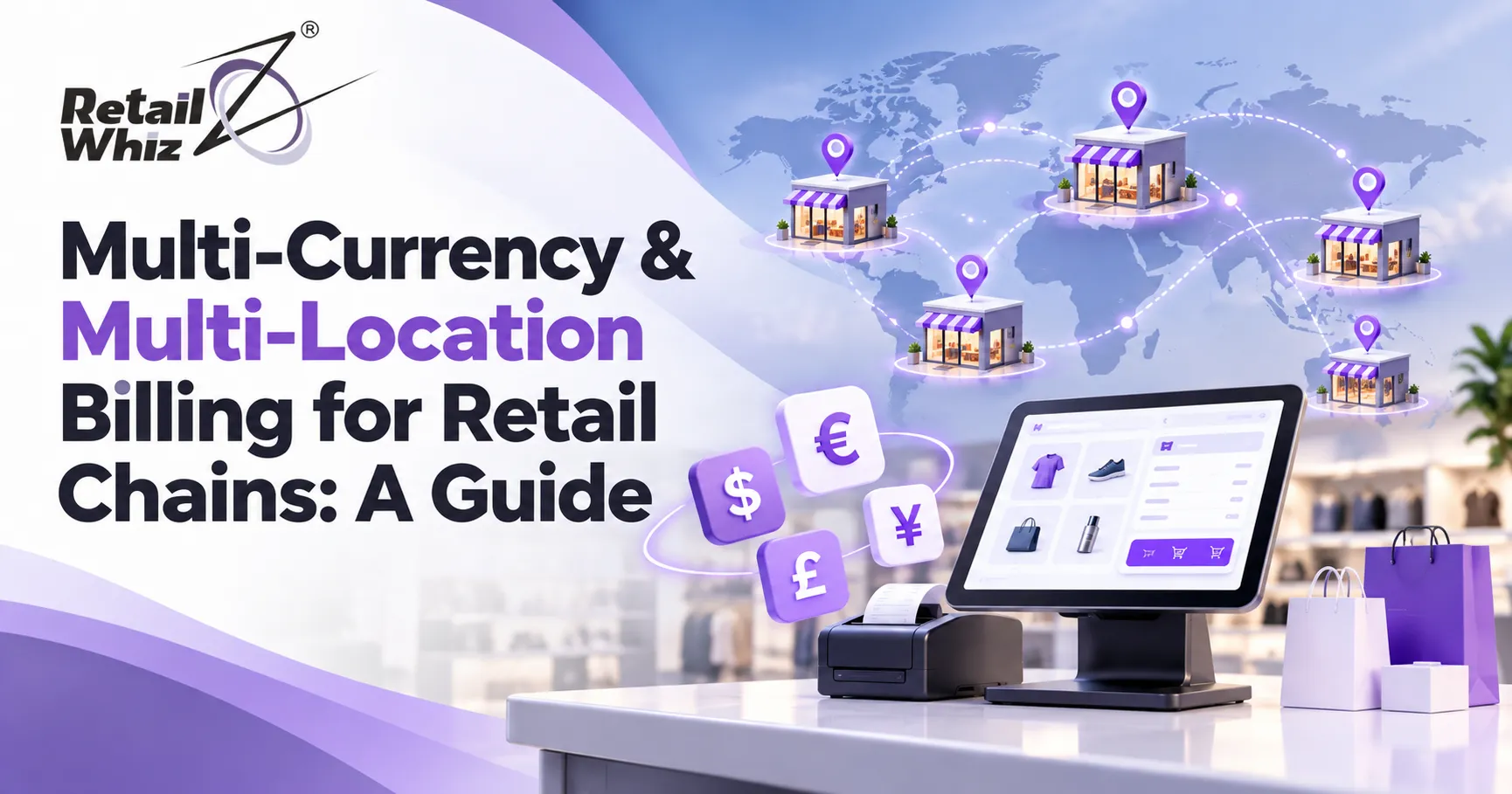
Multi-location billing is the ability to generate invoices, process payments and record sales across several stores while keeping all data in one central system. Each store can bill its own customers, apply local taxes and follow local pricing rules. Head office still sees every transaction in real time.
A good multi-location setup typically includes:
- A central product master shared by all outlets
- Store-wise price lists, discounts and promotions
- Consolidated reports with store-level drill-down
- Role-based access for store managers, regional heads and owners
- Real-time sync between billing counters and inventory
Without this foundation, each store ends up running as a separate island. Data arrives late, prices differ without anyone noticing and management loses visibility.
What Is Multi-Currency Billing?
Multi-currency billing lets a retailer invoice customers and record sales in more than one currency. It matters for chains that operate across borders, serve tourists, sell at airports or duty-free zones, accept foreign cards or import goods priced in foreign currency.
The system converts amounts using exchange rates, prints the right currency on the invoice and posts the correct value to the books in your base currency. It also tracks gains and losses that come from exchange rate movements between the sale date and the settlement date.
Even a retailer that sells only in India can benefit. Supplier invoices in US dollars or euros, imported stock and foreign tourist footfall all create multi-currency scenarios that a basic billing tool handles poorly.
Why Retail Chains Struggle With Billing at Scale
Most billing problems at chain stores come from the same root causes. Here are the ones that cost retailers the most.
1. Disconnected Systems
When every store runs its own standalone retail billing software, consolidating sales data takes days. Head office makes decisions on stale numbers.
2. Inconsistent Pricing and Discounts
A promotion approved at head office may reach some stores late or not at all. Customers notice, and so does your margin.
3. Complex Tax Compliance
In India, each state needs its own GST registration. A chain with outlets in Maharashtra, Gujarat and Goa must handle separate GSTINs, correct CGST, SGST and IGST treatment on inter-state stock transfers, and accurate HSN mapping on every item. Manual handling invites penalties.
4. Exchange Rate Errors
Applying outdated or manually typed exchange rates leads to wrong invoice values and messy reconciliation.
5. Stock Mismatches
Billing that is not linked to inventory means a sale in one store does not update stock records, causing stockouts and overstocking.
6. Payment Reconciliation Delays
Cash, cards, UPI, wallets and foreign cards all settle differently. Matching them store by store, day by day, drains finance teams.
Key Features to Look For in Multi-Currency and Multi-Location Billing Software
When you evaluate retail billing software for a chain, look beyond basic invoicing. These features separate a scalable system from a stopgap.
Centralized Control With Local Flexibility
Head office should be able to set product masters, tax rules, price lists and promotions once and push them to all stores. At the same time, each store should be able to apply approved local variations, such as regional pricing or city-specific offers. This balance keeps the brand consistent without ignoring local market needs.
A Strong Multi-Store POS
Your point of sale is where billing actually happens, so it must be fast, reliable and tied to the rest of your operations. A modern multi-store POS should support barcode billing, split payments, returns and exchanges across stores, and offline billing when the internet drops. If you are still comparing options, a dedicated POS software solution built for retail chains should handle all of these without heavy customization.
Live Exchange Rate Management
For multi-currency billing, look for automatic exchange rate updates with the option to lock rates for specific periods. The system should let you define a base currency, bill in a transaction currency and show both values on reports. Realized and unrealized gains and losses should post automatically.
Flexible Payment Processing
Customers expect to pay by cash, debit card, credit card, UPI, wallet or foreign card. Your billing platform should accept all of them at the counter and reconcile settlements automatically. Integration with a reliable payment gateway software cuts failed transactions, speeds up checkout and gives finance teams clean data for reconciliation.
GST and Tax Compliance Built In
Tax rules vary by state and country. The system should calculate GST by location, generate compliant invoices, support e-invoicing and e-way bills where applicable, and prepare return-ready data. For international sales, it should handle export invoicing and zero-rated supplies correctly.
Real-Time Inventory Synchronization
Every sale, return and transfer should update stock instantly across the network. This lets you spot fast-moving items, move stock between stores and avoid the double pain of dead stock and empty shelves.
Consolidated Reporting and Analytics
Owners need a single dashboard that shows sales by store, product, cashier and payment mode, plus margin and exchange gain or loss data. Drill-down views help regional managers compare outlets and catch problems early.
Role-Based Access and Audit Trails
Chains need control over who can change prices, approve discounts, cancel bills or edit exchange rates. Detailed audit logs protect you from fraud and make internal audits far easier.
Step-by-Step: How to Set Up Multi-Currency and Multi-Location Billing
A structured rollout reduces risk and speeds up adoption. Here is a practical approach.
Step 1: Map Your Current Billing Flow
List every store, its billing counters, tax registration, currencies, payment modes and price lists. Note where data is entered manually and where errors happen most often. This map becomes your requirement document.
Step 2: Define Your Base Currency and Currency Policy
Decide which currency your books use. Then set rules for which stores or transactions can bill in other currencies, who approves exchange rate overrides and how often rates refresh.
Step 3: Standardize Your Master Data
Clean product codes, categories, HSN codes, supplier details and price lists before you move anything. Dirty master data is the number one reason new systems underperform. Duplicate items and wrong tax mapping carry straight into the new platform.
Step 4: Choose a Platform That Fits Your Scale
Pick software that covers billing, inventory, procurement, loyalty, analytics and accounting in one place. Fewer integrations mean fewer breakpoints. Check that the vendor can support your growth plans, including new states and new countries.
Step 5: Plan Implementation and Training
Even the best system fails if store teams do not use it properly. A phased go-live, starting with a pilot store, helps you fix issues before the full rollout. Working with a team that offers structured retail ERP implementation services helps you cover data migration, configuration, testing and staff training without disrupting daily sales.
Step 6: Monitor, Review and Optimize
After go-live, track billing speed, error rates, exchange gain or loss, stock accuracy and month-end closing time. Use these numbers to fine-tune pricing rules, user permissions and reports.
Benefits of a Unified Billing System for Retail Chains
When multi-currency and multi-location billing work together on one platform, the payoff shows up in several areas.
- Faster checkout: Streamlined billing and automatic tax and currency calculation reduce counter time and queues.
- Accurate financials: Consistent exchange rates and automated postings reduce reconciliation errors.
- Better inventory control: Real-time stock data supports smarter replenishment and fewer stockouts.
- Stronger compliance: Automated GST handling lowers the risk of notices and penalties.
- Lower operating cost: Less manual data entry means fewer hours spent on corrections and reporting.
- Scalability: Adding a new store, city or currency becomes a configuration task, not a technology project.
- Better customer experience: Consistent pricing, flexible payments and shared loyalty data make shopping smoother across outlets.
Common Mistakes to Avoid
Retail chains often make the same errors when upgrading billing systems. Avoid these:
- Choosing on price alone. The cheapest tool often lacks multi-store sync, currency handling or compliance features, and costs more later.
- Skipping data cleanup. Migrating messy data defeats the purpose of a new system.
- Ignoring offline scenarios. Internet outages happen. Your POS must keep billing and sync when connectivity returns.
- Overlooking user permissions. Open access to price changes and discounts invites leakage.
- Underinvesting in training. Cashiers and store managers need hands-on practice before go-live.
- Treating billing and inventory separately. The two must share one source of truth.
How to Choose the Right Retail Billing Software
Shortlist vendors by checking how well they handle your actual scenarios, not just their feature lists. Ask for demos that include multi-store pricing changes, an inter-store stock transfer, a foreign currency sale, a return processed at a different outlet and a GST report. Speak to existing customers with similar store counts. Also compare ERP depth, support quality and the ability to customize. For a broader comparison of what is available on the market, read this guide on the best POS software for retail stores in India.
Future Trends in Retail Billing
Retail billing continues to evolve. Cloud-based POS is now the default for growing chains, because it supports remote access, automatic updates and easier multi-store management. Mobile POS lets staff bill anywhere on the shop floor or at pop-up counters. AI-driven analytics help forecast demand and spot unusual billing patterns. Unified commerce, where online and offline stores share inventory, pricing and customer data, is becoming the standard expectation. Chains that build on a flexible, integrated platform today will adapt to these shifts more easily.
Conclusion
Multi-currency and multi-location billing is no longer a luxury reserved for large enterprises. As retail chains expand across states and borders, the ability to bill accurately, apply the right taxes, handle different currencies and see every store in real time becomes a core business requirement. The right billing software replaces scattered tools with one connected system, so you can focus on growth instead of fixing errors.
Start by mapping your current process, clean your data, choose a platform that matches your scale and roll out in phases. Done well, a unified billing system pays for itself through faster checkout, tighter control and cleaner books.
Frequently Asked Questions (FAQs)
1. What is multi-currency billing in retail?
Multi-currency billing allows a retailer to create invoices and accept payments in more than one currency. The software converts amounts into your base currency using exchange rates and records any gain or loss, so your accounts stay accurate.
2. How does multi-location billing software help retail chains?
It connects all your stores to one central system. Head office can manage prices, promotions, taxes and inventory centrally, while each store bills locally. You get real-time sales visibility, consistent pricing and faster reporting across every outlet.
3. Can one billing system handle different GST rules across states?
Yes. A good retail billing system supports multiple GST registrations, applies the correct CGST, SGST or IGST by location, maps HSN codes accurately and generates return-ready reports for each state.
4. Is cloud-based billing software better than on-premise for retail chains?
For most growing chains, yes. Cloud-based billing offers real-time data access from anywhere, automatic updates, easier store additions and lower infrastructure costs. Look for a system that also supports offline billing so counters keep working during internet outages.
5. How long does it take to implement multi-store billing software?
Timelines depend on store count, data quality and customization needs. A single pilot store can often go live in a few weeks, with the remaining stores added in phases. Early data cleanup and proper staff training shorten the process considerably.