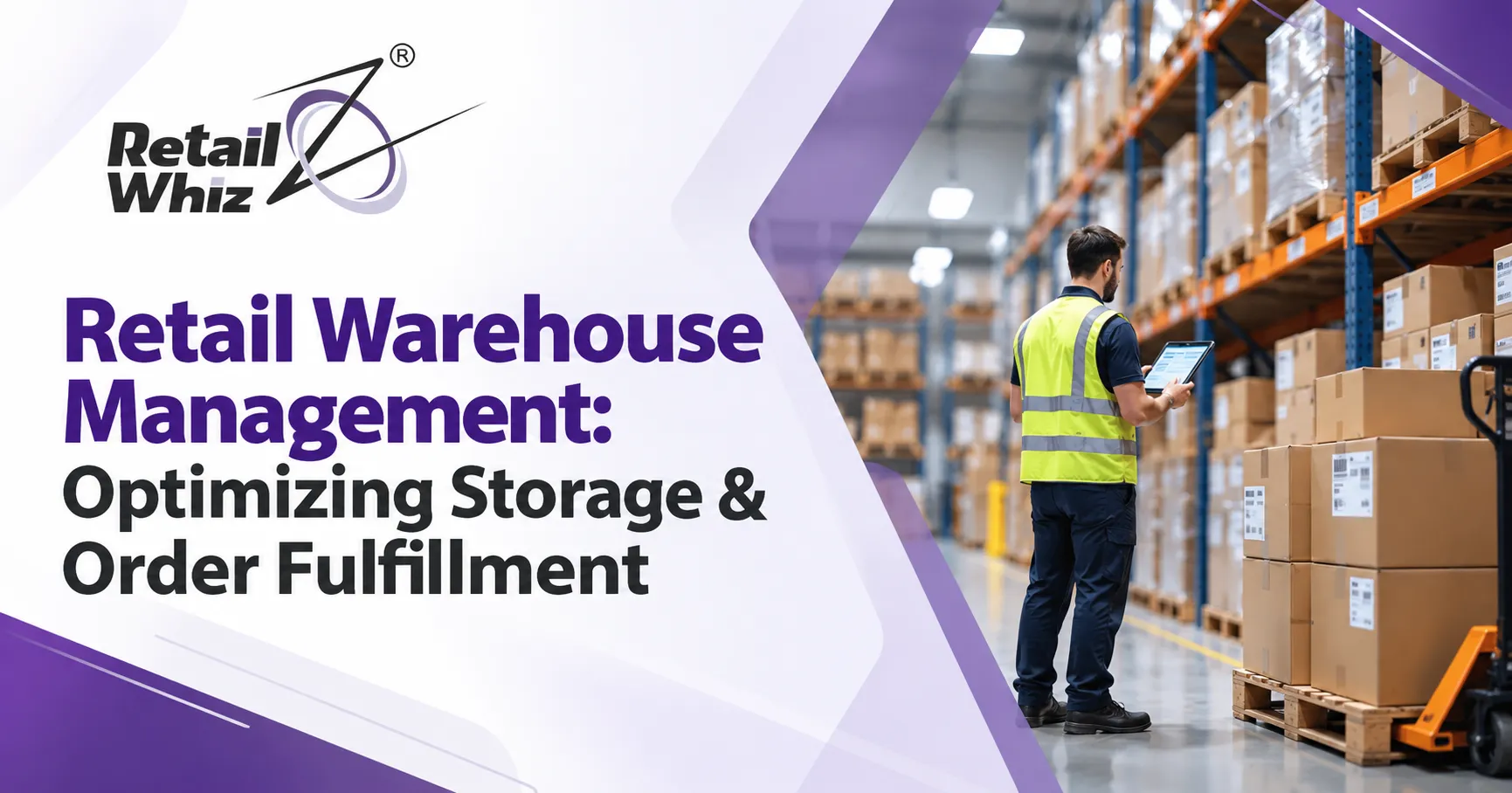
Customers today expect the right product, at the right price, delivered fast. Whether an order is placed in a store, on a website or through a mobile app, it all comes down to what happens inside your warehouse. Strong retail warehouse management is no longer a back-office detail. It directly affects your margins, your stock availability and your customer experience.
In this guide, you will learn how retail warehouse management works, how to optimize storage, how to speed up order fulfillment, and which technology helps retailers in India and beyond stay efficient as they grow.
What Is Retail Warehouse Management?
Retail warehouse management is the process of controlling how goods are received, stored, picked, packed and dispatched from a warehouse or distribution center (DC) to stores and customers. It covers people, space, processes and software, all working together to keep stock moving smoothly.
A well-run warehouse does five things consistently:
- Receives goods accurately against purchase orders.
- Stores products in the right location for fast retrieval.
- Keeps real-time stock records.
- Picks and packs orders with minimal errors.
- Dispatches shipments on time through planned routes.
When any of these steps breaks down, the effects show up quickly as stockouts, delayed deliveries, excess inventory and unhappy customers.
Why Warehouse Management Matters for Retailers
Retail is a margin-sensitive business. Every rupee locked in slow-moving stock, every mis-shipped carton and every hour wasted searching for a product adds to your operating cost. Good warehouse operations help you:
- Lower operating costs by using labour and space more efficiently.
- Improve inventory accuracy so that what the system shows matches what is on the shelf.
- Speed up order fulfillment to meet store replenishment and e-commerce delivery promises.
- Reduce shrinkage from damage, expiry, theft and miscounts.
- Support omnichannel retail, where stores, online orders and B2B customers draw from the same stock.
Common Warehouse Challenges in Retail
Before looking at solutions, it helps to understand the problems most retailers face:
- Poor visibility: Stock records kept in spreadsheets or registers are outdated within hours.
- Disorganized storage: Fast-moving items are stored far from dispatch areas, and slow movers occupy prime locations.
- Picking errors: Manual pick lists lead to wrong items, wrong quantities and costly returns.
- Expiry and batch issues: Grocery, FMCG and pharmacy retailers lose money when near-expiry stock is not sold first.
- Seasonal demand spikes: Festival seasons and sales events overwhelm teams and processes.
- Disconnected systems: When purchasing, warehouse and billing tools do not talk to each other, data gaps lead to bad decisions.
How to Optimize Warehouse Storage
Storage optimization is the foundation of an efficient warehouse. The goal is simple: store products so they can be found, picked and replenished with the least movement possible.
1. Design an Efficient Warehouse Layout
A good warehouse layout follows the natural flow of goods from receiving to storage, picking, packing and dispatch. Keep the flow in one direction wherever possible to avoid congestion and backtracking. Separate zones for receiving, bulk storage, pick faces, packing, returns and dispatch make daily operations far easier to manage.
2. Use ABC Analysis for Slotting
ABC analysis ranks products by how quickly they sell and how much value they generate:
- A items: Fast movers that generate the most revenue. Store them closest to the packing and dispatch area at easy-to-reach heights.
- B items: Moderate movers placed in the middle zones.
- C items: Slow movers stored in less accessible locations.
Slotting products this way reduces travel time for pickers, which is often the largest labour cost in a warehouse. Review your slotting regularly, since sales patterns change with seasons, promotions and new product launches.
3. Assign Clear Location Codes
Every rack, shelf and bin should have a unique code. When each SKU is mapped to a specific storage location, staff no longer need to rely on memory or guesswork. Location-based storage also makes put-away and picking faster for new team members.
4. Apply FIFO and FEFO Rules
First In, First Out (FIFO) ensures older stock moves before newer stock. First Expired, First Out (FEFO) is even more important for perishables, as it prioritizes products with the nearest expiry date. Tracking batch numbers and expiry dates in your system helps you run timely discounts instead of writing off dead stock.
5. Segregate Stock by Status
Keep saleable, damaged, expired, reserved and returnable-to-vendor stock in separate logical or physical locations. This keeps your saleable inventory clean and prevents damaged goods from reaching customers.
6. Maintain Real-Time Inventory Accuracy
Accurate records are the backbone of every storage decision. Modern inventory management software updates stock levels instantly with every receipt, transfer, sale and return, so planners and warehouse teams always work with live data instead of yesterday’s numbers.
How to Improve Order Fulfillment Speed and Accuracy
Order fulfillment is where warehouse efficiency becomes visible to customers. It includes order processing, picking, packing, dispatch and delivery tracking. Here is how to make each step faster and more reliable.
Streamline Receiving and Put-Away
Fulfillment starts at the receiving dock. Match incoming goods against the purchase order, record any shortages or damages immediately, and generate a put-away list so products go straight to their assigned locations. Scanning EAN or GS1 barcodes during goods receipt eliminates manual entry errors. If you want to understand how scanning technology improves accuracy across the entire stock cycle, read this guide on the barcode inventory system for retail and why it matters.
Choose the Right Picking Method
The picking method you use should match your order profile:
- Piece picking: One order at a time. Best for low-volume or high-value orders.
- Batch picking: Multiple orders picked together, then sorted. Useful for many small orders with overlapping items.
- Zone picking: Pickers work within assigned zones, and orders move between zones.
- Wave picking: Orders are released in scheduled waves aligned with dispatch cut-off times.
- Route and category-wise picking: Common in store replenishment, where goods are picked by delivery route or product category to simplify loading and unloading.
Handheld terminals and pick lists generated from storage locations reduce walking time and guide staff to the exact bin, which sharply cuts picking errors.
Verify During Packing
Scanning items, cartons and crates during packing is one of the simplest ways to improve dispatch accuracy. A packing list that matches the transfer order or sales order ensures that what leaves the warehouse is exactly what was requested. For store replenishment, proper crate management also prevents loss of reusable containers.
Plan Dispatch and Routes
Efficient order fulfillment does not stop at packing. Group shipments by route or store cluster, confirm vehicle loading through scanning, and track trips from dispatch to arrival. Planned routes reduce fuel costs, shorten delivery times and make it easier to measure service levels.
Automate Replenishment with Auto-Indents
Instead of letting each store raise indents manually, many retail chains now generate auto-indents at head office based on minimum base quantity (MBQ) and re-order levels. This pushes the right stock from the central warehouse to each outlet at the right frequency, reduces emergency orders and keeps stores consistently stocked.
Key Metrics to Track in Warehouse Operations
You cannot improve what you do not measure. Track these warehouse KPIs on a regular basis:
- Inventory accuracy: The percentage of records that match physical counts.
- Order fill rate: The share of ordered quantity actually shipped.
- Order cycle time: The time from order receipt to dispatch.
- Picking accuracy: The share of orders picked without errors.
- Inventory turnover: How quickly stock sells and is replaced.
- Dock-to-stock time: How long it takes to make received goods available for sale.
- Shrinkage rate: The value of inventory lost to damage, expiry or theft.
Reviewing these numbers weekly helps you spot bottlenecks early and justify improvements to processes and systems.
The Role of a Warehouse Management System (WMS)
A warehouse management system (WMS) is software that controls and records warehouse activities in real time, from receiving and put-away to picking, packing and dispatch. It replaces paper lists and spreadsheets with guided, scan-based workflows.
Core features to look for in WMS software for retail include:
- Location and bin management for every SKU.
- Barcode and handheld scanning for receiving, stock-take and picking.
- Batch, lot and expiry tracking with FEFO support.
- Auto-generated pick lists, packing lists and put-away lists.
- Multi-warehouse and multi-store visibility.
- Integration with POS, purchasing, accounting and e-commerce.
- Reporting and analytics on fill rates, stock ageing and productivity.
The biggest advantage comes when the WMS is part of a connected retail ERP rather than a standalone tool. When purchasing, inventory, billing and warehouse data sit in one system, there is a single version of the truth, and decisions get faster and more accurate.
Supporting Omnichannel Retail from One Warehouse
Today’s retailers fulfill store indents, B2B orders, online orders and app orders from the same stock pool. That only works when inventory is visible across every location and channel in real time. If you are scaling beyond a single outlet, this practical guide on how to manage a multi-store retail chain with one software explains how centralized control prevents overselling and keeps every location in sync.
Best Practices for Warehouse Optimization
Here is a quick checklist you can start applying right away:
- Map your current process and measure travel time, errors and idle time before making changes.
- Reclassify your SKUs with ABC analysis every quarter.
- Introduce cycle counting instead of relying only on annual stock-takes.
- Train staff on scanning and standard operating procedures.
- Set clear cut-off times for order release and dispatch.
- Keep a dedicated area for returns and process them quickly.
- Review vendor performance and supplier fill rates regularly.
- Plan extra labour and space well ahead of peak seasons.
Choosing and Implementing the Right Solution
Buying software is only half the job. A successful rollout depends on clean data, trained users and a process design that fits your business. Before you commit, define your goals, map your workflows, check integration needs and ask about training and support. A structured retail ERP implementation approach helps you migrate data properly, configure warehouse and store workflows, and go live with minimal disruption to daily operations.
Conclusion
Retail warehouse management is about doing simple things consistently well: organizing storage logically, keeping stock records accurate, picking and packing precisely, and dispatching on time. When you combine smart slotting, disciplined processes and a connected warehouse management system, you cut costs, shorten order cycle times and keep both stores and customers happy. Start with a clear view of your current operations, fix the biggest bottlenecks first, and build toward a system that grows with your business.
Frequently Asked Questions (FAQs)
1. What is retail warehouse management?
Retail warehouse management is the process of receiving, storing, picking, packing and dispatching goods from a warehouse to stores and customers. It combines layout planning, inventory control, trained staff and software to keep stock accurate and orders moving quickly.
2. How can I optimize storage in a retail warehouse?
Start with a logical layout and unique location codes for every bin. Use ABC analysis to place fast-moving items near dispatch areas, apply FIFO or FEFO rules, separate damaged and expired stock, and keep inventory records updated in real time with software.
3. What is the difference between inventory management and warehouse management?
Inventory management focuses on how much stock you hold, when to reorder and how it is valued. Warehouse management focuses on the physical movement and location of that stock inside the facility, including receiving, put-away, picking, packing and dispatch. The two work best when integrated in one system.
4. Do small and mid-sized retailers need a WMS?
Yes, if you manage a growing number of SKUs, multiple storage locations or regular store replenishment, a WMS or an ERP with warehouse features saves time and reduces errors. Even smaller retailers benefit from barcode scanning, location tracking and real-time stock visibility.
5. How does a warehouse management system improve order fulfillment?
A WMS guides staff with scan-based put-away, optimized pick lists and packing verification. This reduces picking errors, shortens order cycle times, improves fill rates and gives managers clear data to plan labour, routes and replenishment.