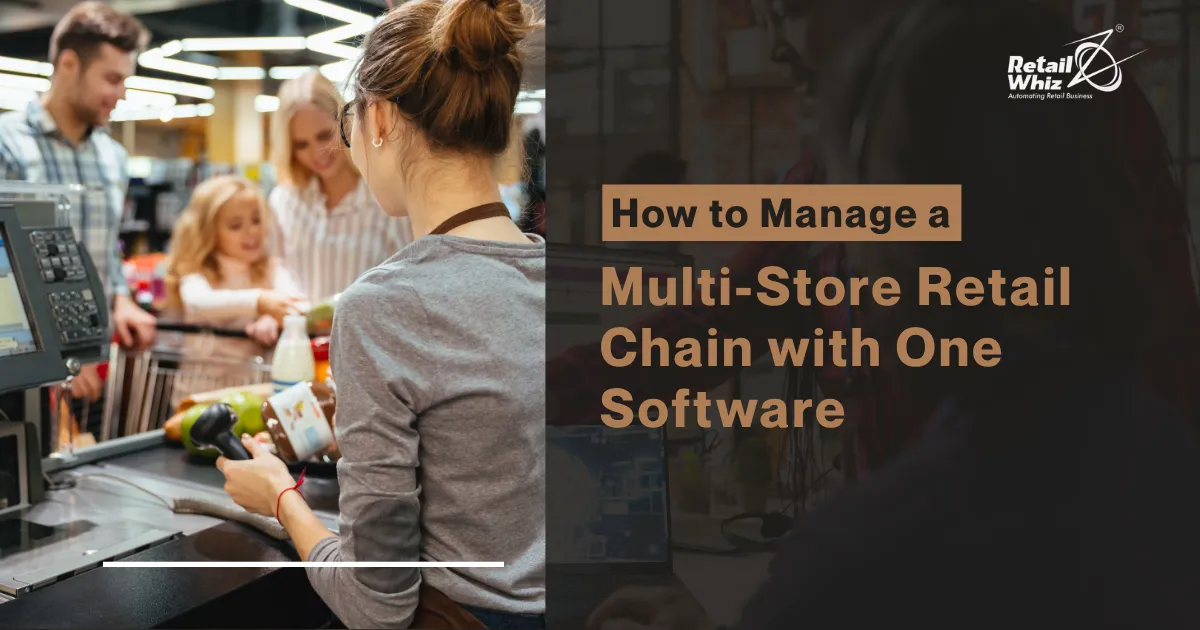
Running one store is hard enough. Running five, ten, or fifty stores at the same time? That’s a completely different challenge. If you’re using separate spreadsheets, separate billing systems, or different software at each branch, you already know the problems: mismatched stock counts, delayed reports, confused staff, and lost sales.
The good news is that you don’t need ten different tools to run ten different stores. A single, centralized retail management software can handle your entire chain – inventory, billing, staff, and customers – from one dashboard. In this guide, we’ll break down exactly how to manage a multi-store retail chain with one software, what features to look for, and how it can save you time and money.
Why Multi-Store Retail Chains Struggle Without Centralized Software
Before we get into the solution, let’s understand the problem. Most multi-store retailers face these common issues:
- Inventory mismatch: Store A shows 50 units in stock, but the actual count is 20. This happens when each store tracks stock separately.
- No real-time sales visibility: Owners often wait days to know how each branch performed.
- Inconsistent pricing: Different stores may accidentally charge different prices for the same product.
- Manual reporting: Staff spend hours compiling sales data instead of serving customers.
- Staff management chaos: Attendance, shifts, and payroll become messy across locations.
These problems don’t just waste time – they cost real money. A single point of failure, like a stockout at your busiest branch, can send customers straight to a competitor.
Benefits of Managing Multiple Stores with One Retail Software
Switching to one unified system for all your stores brings clear, measurable benefits.
1. Centralized Inventory Management
With one software connecting all branches, you can see stock levels across every store in real time. If one store runs low, you can transfer stock from another location instantly instead of placing a fresh order. This reduces both overstocking and stockouts.
2. Real-Time Sales and Performance Tracking
A centralized dashboard shows you daily, weekly, and monthly sales for every store side by side. You can quickly spot which branch is performing well and which one needs attention, without waiting for manual reports.
3. Consistent Pricing and Promotions
When all stores run on the same billing software, you can update prices, discounts, and offers across every branch in one go. This keeps your pricing consistent and prevents billing errors that confuse customers.
4. Simplified Staff and Payroll Management
Track attendance, shift timings, and commissions for staff across all locations from a single panel. This saves HR teams from manually collecting data from each store every month.
5. Better Customer Experience Across Locations
When customer data is shared across stores, a customer can return a product, redeem a loyalty point, or check an order from any branch – not just the one where they made the purchase. This builds trust and repeat business.
6. Lower Operational Costs
Instead of paying for multiple software subscriptions, hardware, and IT support for each store, one unified system reduces your overall technology cost significantly.
Key Features to Look for in Multi-Store Retail Management Software
If you’re choosing software to manage your retail chain, make sure it includes these features:
- Centralized Billing System – One POS software connected across all outlets for smooth and consistent billing.
- Real-Time Inventory Sync – Stock updates automatically across every store the moment a sale happens.
- Multi-Location Reporting – Compare sales, profit, and stock reports for each branch in a single view.
- Stock Transfer Between Stores – Move inventory between branches directly through the software.
- Role-Based User Access – Give managers and staff access only to the data relevant to their store.
- Customer Loyalty Across Branches – Let customers earn and redeem points at any store location.
- Cloud-Based Access – Check your business performance from anywhere, on your phone or laptop.
- GST and Billing Compliance – Automatic tax calculation and invoice generation as per local regulations.
Platforms like retail management software from RetailWhizz are built specifically to handle these multi-store requirements, giving retail chains one system to manage everything from a single screen.
Step-by-Step: How to Manage a Multi-Store Retail Chain with One Software
Here’s a simple process to move your retail chain onto one unified system.
Step 1: List Down All Your Store Requirements
Before choosing software, note down how many stores you run, how many billing counters each store has, and what specific challenges you currently face (stock issues, billing delays, reporting gaps, etc.).
Step 2: Choose a Centralized, Cloud-Based Retail Software
Pick a software that connects all your outlets under one account. Cloud-based systems are easier to scale since you can add new stores without heavy hardware investment.
Step 3: Migrate Your Existing Data
Move your current inventory, customer, and sales data into the new system carefully. Most modern software providers assist with this migration so you don’t lose historical data.
Step 4: Set Up Store-Wise Access and Roles
Assign login access to store managers and staff based on their role. A cashier doesn’t need access to overall business reports, but a regional manager might.
Step 5: Train Your Staff
Even the best software fails if your team doesn’t know how to use it. Conduct short training sessions at each store to make sure staff are comfortable with billing, stock updates, and daily closing.
Step 6: Monitor Performance from One Dashboard
Once everything is set up, use the central dashboard daily to track sales, stock movement, and staff performance across all your stores.
Common Mistakes Retailers Make When Managing Multiple Stores
- Using different software for billing and inventory – This creates data gaps and manual reconciliation work.
- Not training staff properly – Leads to billing errors and incorrect stock entries.
- Ignoring store-wise reports – Owners often check only the total sales figure and miss which specific store is underperforming.
- Delaying stock transfers – Waiting too long to move inventory between branches leads to lost sales at high-demand stores.
- Not setting user permissions – Giving full access to every staff member increases the risk of data misuse or errors.
Avoiding these mistakes is much easier when your entire chain runs on one connected system rather than separate tools.
How One Software Helps You Scale Your Retail Chain
As your business grows and you open new stores, adding a new branch to your existing software takes just a few steps – no need to set up a completely new system each time. This makes expansion faster, cheaper, and far less stressful.
A unified retail management system also gives you data-backed insights for expansion decisions. For example, if one store consistently outperforms others in a particular category, you can replicate that product mix in your next location.
Retailers looking to scale smoothly often turn to a trusted inventory management software provider that already understands the needs of multi-store businesses, rather than building separate custom solutions for each new branch.
Conclusion
Managing a multi-store retail chain doesn’t have to mean juggling multiple systems, spreadsheets, and confused staff. With one centralized retail software, you get real-time visibility into inventory, sales, and staff performance across every branch – all from a single dashboard.
If you’re ready to simplify how you run your retail chain, RetailWhizz offers a complete solution built for multi-store businesses, covering billing, inventory, staff management, and reporting in one place. Making the switch to a single, reliable system is one of the smartest steps you can take to grow your retail business with less stress and more control.
Frequently Asked Questions (FAQs)
1. What is multi-store retail management software?
Multi-store retail management software is a system that connects all your store branches under one account, allowing you to manage billing, inventory, staff, and reports from a single dashboard.
2. Can one software really handle billing for multiple stores at once?
Yes, Modern cloud-based retail software is designed to run billing at multiple stores simultaneously, with all data syncing to one central system in real time.
3. Is it expensive to switch from separate store systems to one unified software?
Actually, it’s usually more affordable in the long run. Using one software instead of several separate tools reduces subscription costs, hardware expenses, and staff training time.
4. How does centralized inventory management help reduce stock loss?
When all stores share real-time inventory data, you can spot mismatches quickly and transfer stock between branches instead of over-ordering or running out unexpectedly.
5. Will my staff need special training to use multi-store software?
Basic training is usually enough, since most modern retail software is designed with simple, easy-to-use interfaces for billing and stock management.
6. Can I add a new store to my existing software easily?
Yes, Most centralized retail systems let you add a new branch within your existing account, so you don’t need to build a new setup from scratch each time.