Every retailer runs differently. A supermarket chain in Pune worries about expiry dates and weighing scales. A fashion boutique in Mumbai cares about size and colour variants. A pharmacy needs batch tracking, and a bakery needs daily production planning. Yet most of them start with the same thing: a retail ERP software that promises to manage billing, stock, purchasing and reporting in one place.
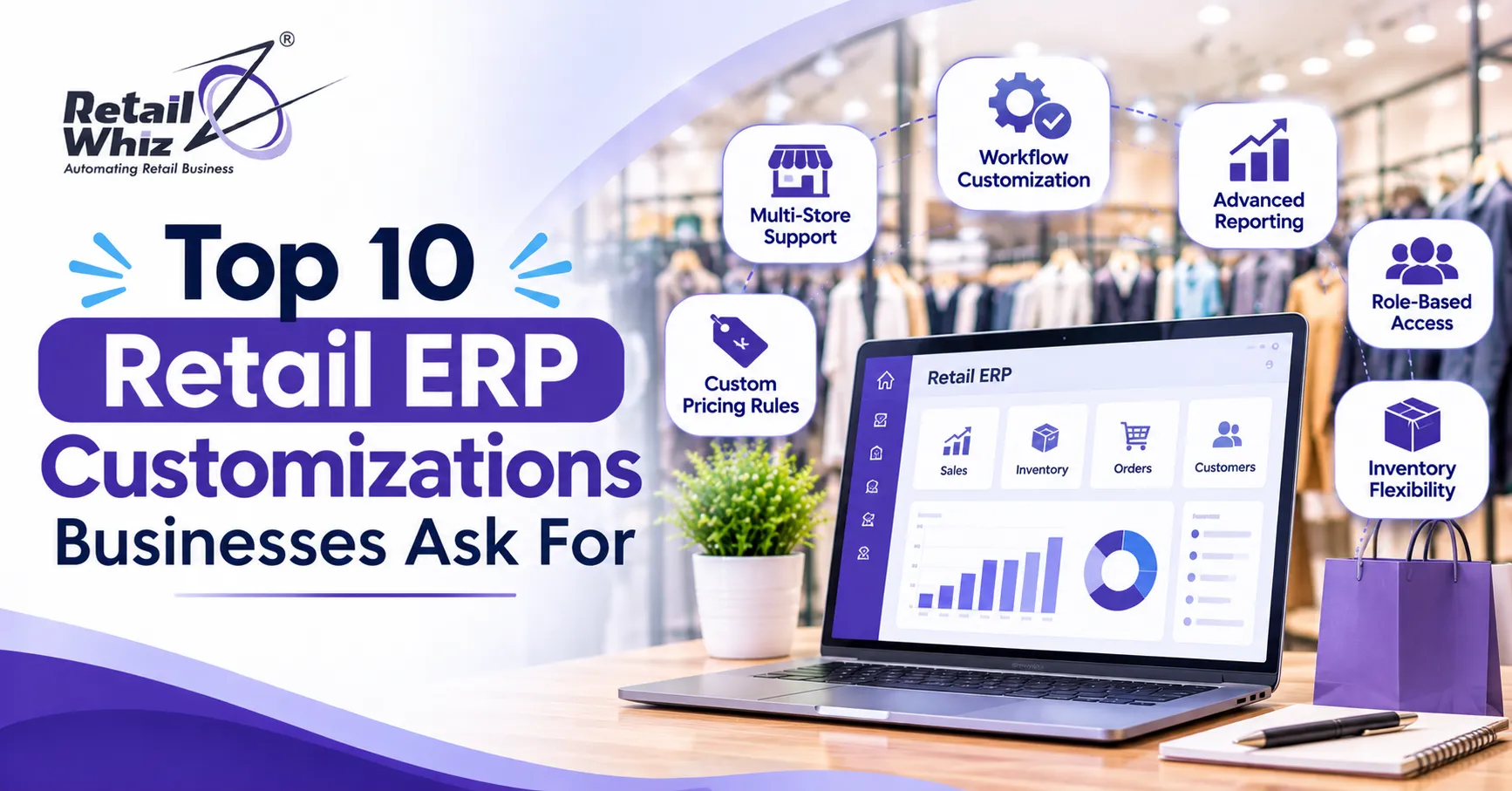
The truth is that no off-the-shelf system fits every business perfectly. That is why retail ERP customization has become one of the most searched topics among store owners, IT heads and finance teams. Businesses want software that follows their processes, not the other way around. If you are exploring retail software customisation and integration, this guide covers the ten requests retailers make most often, why they matter and how to plan them well.
Why Retail Businesses Customize Their ERP Software
A standard retail ERP gives you a strong foundation: point of sale, inventory, purchase, accounting and MIS reports. But as stores grow, new needs appear. You open more branches, add an online channel, launch a loyalty scheme or face a new tax rule. Small gaps in the software turn into daily manual work, spreadsheets and errors.
Customization closes those gaps. Done well, it improves billing speed, reduces stock mismatches, speeds up reporting and gives managers better control. Done badly, it makes upgrades painful and costs more than expected. The ten customizations below are the ones that usually deliver the best return.
1. Custom POS and Billing Workflows
The billing counter is where your customer meets your business, so it is the first place retailers ask for changes. Common requests include:
- Faster billing screens with barcode, item code and quick search options
- Hold and recall bills for busy hours
- Split payments across cash, card and UPI
- Customised invoice formats with your logo, terms and tax details
- Rules for returns, exchanges and credit notes
- Counter level discounts with manager approval
A tailored POS software setup can cut checkout time noticeably and reduce errors made by new cashiers. For grocery and supermarket stores, this single change often pays for itself within months because queues shrink and staff need less training.
2. Loyalty Programs, Schemes and Promotions
Retailers rarely run the same offer for long. Festive discounts, buy one get one, combo deals, happy hours and membership pricing all change often. A rigid system forces staff to apply discounts manually, which leads to leakage and customer disputes.
Businesses therefore ask for a flexible promotion engine and loyalty program software that can handle:
- Points earned and redeemed by purchase value or category
- Tier based membership such as silver, gold and platinum
- Birthday and anniversary offers
- Coupon codes and gift vouchers
- Time bound schemes that start and stop automatically
When loyalty data sits inside the ERP, you also get a clear view of repeat customers, average basket size and the real impact of every campaign.
3. Multi-Store Inventory and Stock Transfer Rules
Stock is the largest investment in any retail business, so inventory customization is among the top requests. As soon as you operate more than one outlet, you need real time visibility of what is available where. Retailers often ask for:
- Branch level reorder levels and minimum stock alerts
- Inter-store transfer requests with approval and in-transit tracking
- Batch, expiry and serial number control
- Size, colour and style variants for fashion and footwear
- Dead stock and fast moving item reports
- Stock audit and cycle count screens
A well configured inventory management software module prevents stock-outs on popular items and reduces cash locked in slow movers. For multi-store retail management, this is the difference between guessing and planning.
4. Custom Reports, MIS Dashboards and Analytics
Every owner wants to see a different number first thing in the morning. One wants daily sales by branch. Another wants margin by category. A finance head wants cash flow and outstanding payables. Standard reports rarely match all of these views.
Custom retail analytics requests include:
- Role based dashboards for owners, store managers and buyers
- Sales, margin and stock reports by brand, supplier or category
- Cashier and counter performance reports
- Scheduled reports delivered by email or WhatsApp
- Drill down from summary to individual bill
Good dashboards turn raw data into daily decisions. They also reduce dependence on spreadsheets, which are slow, error prone and hard to share securely.
5. GST Billing, E-Invoicing and Compliance Automation
For Indian retailers, tax compliance is not optional. Rates change, e-invoicing thresholds shift and returns must be filed on time. Businesses therefore ask for GST billing software features built directly into the ERP, such as:
- HSN and SAC code mapping at item level
- Automatic tax calculation for intra-state and inter-state sales
- E-invoice and e-way bill generation
- GSTR-1 and GSTR-3B ready data exports
- Input tax credit reconciliation with purchase data
- Integration with tax filing tools
A dedicated GST and compliance module lowers the risk of penalties and saves your accountant hours every month. Always confirm with your tax advisor that your configuration follows the latest rules.
6. Payment Gateway and UPI Integration
Customers now expect to pay in whatever way suits them: cash, debit card, credit card, UPI, wallets or EMI. Retailers want every one of these methods to reflect in the ERP automatically so that the day-end cash reconciliation is simple.
Typical customization requests include:
- Card terminal integration so the amount flows from POS to the machine without retyping
- Dynamic UPI QR codes tied to each bill
- Auto reconciliation of settlements against bank statements
- Refunds that go back through the original payment mode
- Split tender and partial payment handling
These changes cut manual entry, remove mismatches between sales and bank credits and shorten the month-end close.
7. Ecommerce, Marketplace and Omnichannel Integration
Most retailers no longer sell only from the shop floor. They also sell through their own website, Shopify or WooCommerce stores, marketplaces and food delivery platforms. Without integration, stock on the shelf and stock on the website drift apart quickly, leading to cancelled orders and unhappy customers.
Businesses ask for ERP integration that supports:
- Two-way stock sync between stores and online channels
- Automatic order import into the ERP for billing and dispatch
- Unified customer records across online and offline
- Price and offer updates that publish to every channel
- Returns handled in one place
A true omnichannel retail setup gives customers a consistent experience and gives you one version of the truth for stock and sales.
8. Purchase and Vendor Management Automation
Buying well is as important as selling well. Retailers often ask for customized purchase workflows so that the right quantity is ordered at the right time from the right supplier. Popular requests include:
- Auto generated purchase orders based on reorder levels and sales trends
- Multi-level approval for large orders
- Supplier rate contracts and price comparison
- Goods receipt matching against purchase orders and invoices
- Vendor scorecards on delivery time and quality
- Landed cost calculation including freight and duties
These features reduce overbuying, protect margins and keep supplier relationships transparent.
9. Barcode, Label, Weighing Scale and Hardware Integration
Hardware is where many ERP projects stumble. Your software must talk smoothly to the devices on your shop floor. Retailers frequently request:
- Custom barcode and shelf label designs with price, MRP and expiry
- Weighing scale integration for loose items such as fruit, vegetables and sweets
- Handheld scanners for stock taking and receiving
- Customer display screens and receipt printers
- Cash drawer and biometric device support
This kind of customization speeds up daily work, improves price accuracy and makes stock audits far faster.
10. Role-Based Access, Approvals and Audit Trails
As teams grow, control becomes critical. Owners want to know who changed a price, who deleted a bill and who approved a discount. Retailers therefore ask for tighter security and workflow rules, including:
- Role based permissions by user, store and screen
- Approval workflows for discounts, returns, write-offs and price changes
- Complete audit logs with date, time and user
- Alerts on unusual activity such as repeated voids
- Branch level data visibility for managers
These controls reduce internal leakage and give owners peace of mind, especially when they manage several stores remotely.
How to Plan a Retail ERP Customization the Right Way
Customization works best when it is planned. Keep these tips in mind:
- Start with the problem, not the feature. Write down the exact process that is slow, risky or costly today.
- Prioritize by business impact. Begin with billing, stock and compliance before cosmetic changes.
- Prefer configuration over code. Settings and rules are easier to maintain than custom code.
- Ask about upgrades. Make sure customizations will survive software updates.
- Involve your users. Cashiers, store managers and accountants know where the real friction is.
- Test and train. Pilot in one store before rolling out to all branches.
If you are moving to a new system, a structured retail ERP implementation approach helps you decide what to customize on day one and what to leave for later phases.
Final Thoughts
The best retail ERP is not the one with the longest feature list. It is the one that fits the way your business really works. By focusing on the ten customizations above, namely POS workflows, loyalty schemes, multi-store inventory, analytics, GST compliance, payments, omnichannel integration, purchase automation, hardware support and access control, you can build a system that saves time, reduces errors and supports growth.
Before you commit, list your daily pain points, rank them by impact and discuss them with your software partner. A clear brief leads to a smoother project and a better return on investment.
Frequently Asked Questions (FAQs)
1. What is retail ERP customization?
Retail ERP customization means adjusting a standard retail ERP software to match your specific processes. This can include changes to billing screens, invoice formats, reports, approval flows, integrations and tax settings so the system fits how your stores operate.
2. Which retail ERP customizations are most in demand?
The most requested changes are custom POS and billing workflows, GST and e-invoicing automation, multi-store inventory control, loyalty and promotion rules, and custom MIS dashboards. Payment gateway, ecommerce and hardware integrations are also very common.
3. Does customizing an ERP make it difficult to upgrade?
It can, if the changes are made through heavy custom code. Using configurable settings, standard integration methods and well documented extensions keeps upgrades simple. Always ask your vendor how customizations are maintained across new versions.
4. How much does retail ERP customization cost?
Cost depends on the number of changes, the complexity of integrations and the number of stores. A small report or invoice format change is usually inexpensive, while deep integrations or new workflows take more effort. Ask for a clear scope and estimate before you start.
5. Can a retail ERP integrate with my existing tools?
Most modern systems can connect with payment terminals, accounting software, ecommerce platforms, marketplaces, tax filing tools and hardware such as scanners and weighing scales. Confirm the exact list of supported integrations and any extra charges with your vendor before you finalize.