Retail is a fast-moving industry. Stock moves every minute, prices change with seasons and promotions, and customers expect smooth billing in every store and on every channel. That is why more retailers are investing in retail ERP software to bring billing, inventory, purchasing, accounting, and reporting into one connected platform.
But buying the software is only half the story. A large share of ERP projects run over budget, miss deadlines, or fail to deliver the expected return. The reason is rarely the technology. It is usually a set of avoidable ERP implementation mistakes made during planning, setup, and rollout.
A well-planned retail ERP implementation can reduce manual work, improve stock accuracy, and give you real-time visibility across stores. A poorly planned one can disrupt billing, frustrate staff, and cost you sales.
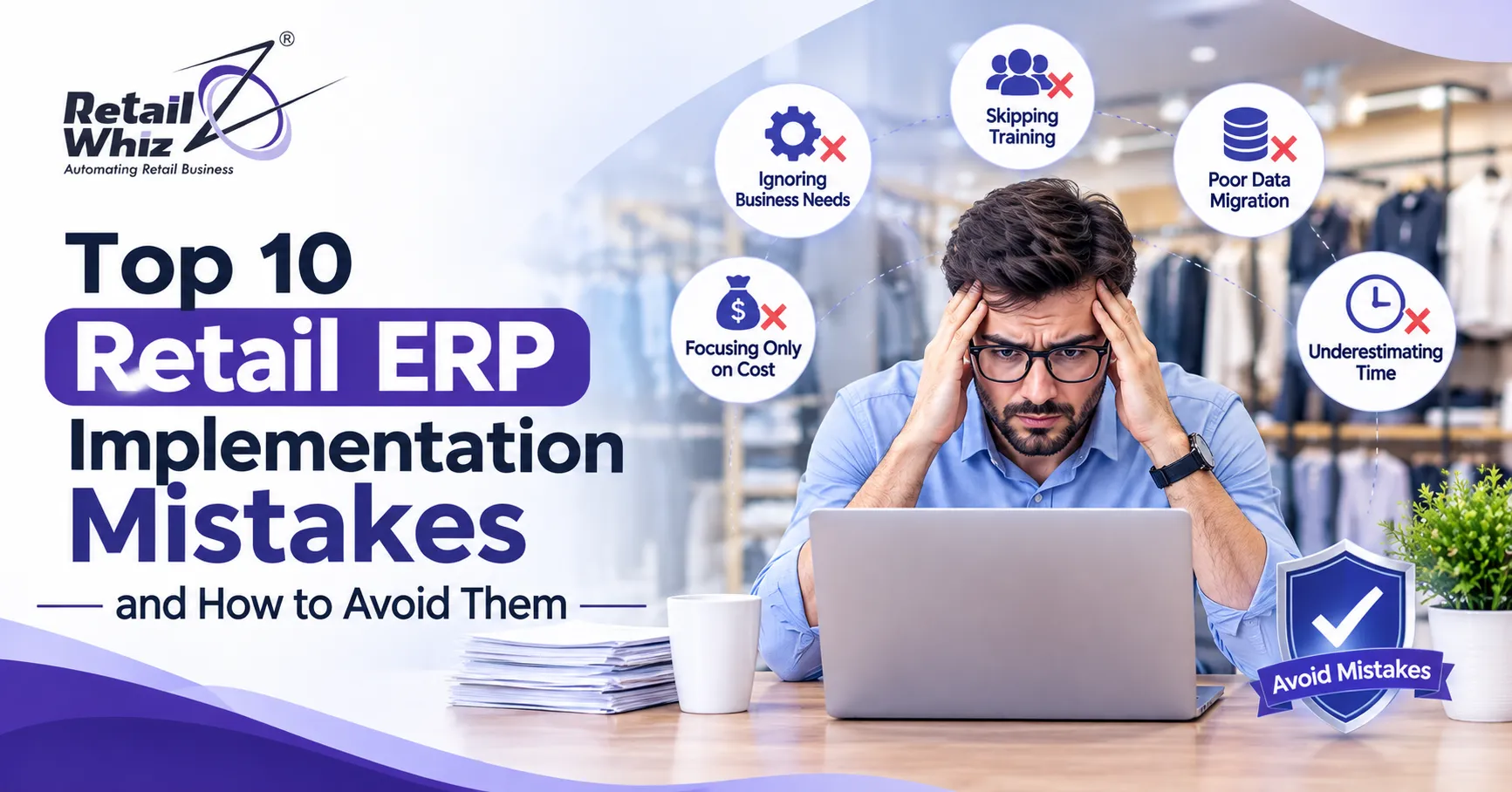
In this guide, we cover the top 10 retail ERP implementation mistakes and, more importantly, how to avoid each one. Whether you run a single supermarket or a growing multi-store chain, these ERP implementation best practices will help you go live with confidence.
Why Retail ERP Implementations Fail
Before we look at the list, it helps to understand why ERP implementation failure happens so often in retail. Retail has unique complexity: thousands of SKUs, size and colour variants, batch and expiry tracking, frequent price changes, loyalty programs, returns, and GST compliance. A generic approach rarely works.
Most failures trace back to one of three root causes: unclear planning, weak change management, or poor execution of technical steps like data migration and integration. Let us look at each mistake in detail.
Mistake 1: Choosing the Wrong ERP for Your Retail Business
The first and most expensive mistake is picking a system that does not match your business model. Some retailers buy a heavy, enterprise-grade platform they will never fully use. Others pick a basic billing tool and outgrow it within a year.
Many owners also confuse POS and ERP, assuming they are interchangeable. They are not. A POS handles billing at the counter, while an ERP manages the full business, including procurement, finance, warehouse, and analytics. If you are unsure where your business stands, read this comparison of retail ERP vs POS software before you shortlist vendors.
How to avoid it:
- List your must-have features before talking to vendors, such as multi-store management, batch tracking, loyalty, and GST billing.
- Choose a retail ERP system built for your industry, not a generic one that needs heavy customization.
- Ask for a live demo using your own product categories and workflows.
- Check scalability so the system grows as you add stores and channels.
Mistake 2: Not Defining Clear Goals and Scope
Many projects begin with a vague goal like “we want to digitize.” Without measurable objectives, the scope keeps growing, the timeline slips, and nobody can say whether the project succeeded.
How to avoid it:
- Set specific targets, such as reducing stock mismatch, cutting checkout time, or closing monthly books faster.
- Document the scope in writing, including which modules, stores, and users go live in each phase.
- Assign a project owner from your side who has the authority to make decisions.
- Use a phased rollout. Start with a pilot store, then expand.
Mistake 3: Skipping Business Process Mapping
ERP software automates processes. If your current processes are messy, automating them only makes the mess faster. Retailers often skip the step of mapping how purchasing, receiving, pricing, returns, and transfers actually work today.
How to avoid it:
- Map your current workflows for purchase, stock receiving, sales, returns, and inter-store transfers.
- Identify bottlenecks and duplicate steps before configuration begins.
- Decide which processes will change and which will stay the same.
- Involve store managers and cashiers, because they know where the real problems are.
Good ERP consulting at this stage saves months of rework later.
Mistake 4: Poor Data Migration and Data Quality
Your ERP is only as good as the data inside it. Duplicate items, wrong barcodes, outdated prices, and incomplete supplier records can cause billing errors and inaccurate stock reports from day one. This is one of the most common ERP implementation challenges in retail, especially when moving from Excel sheets or older billing software.
A structured retail data migration process makes sure your item masters, customer records, supplier details, and opening stock are cleaned, validated, and loaded correctly.
How to avoid it:
- Clean your data before migration. Remove duplicates, fix naming, and standardize units and categories.
- Validate opening stock through a physical count.
- Run test migrations and compare reports with your old system.
- Freeze data changes during the final cutover to avoid mismatches.
Mistake 5: Providing Inadequate Training to Staff
Even the best software fails if people do not know how to use it. Cashiers, store managers, purchase teams, and accountants all use the ERP differently. A single one-hour session before go-live is not enough.
Resistance to change is natural. Staff who feel unprepared will go back to manual methods or find workarounds, which defeats the purpose of the system.
How to avoid it:
- Provide role-based training so each team learns only what applies to them.
- Train before go-live and again after, when real questions come up.
- Create simple user guides or short videos for common tasks.
- Nominate a “super user” in every store who can help colleagues.
Professional retail ERP training can speed up adoption and reduce errors in the first few weeks.
Mistake 6: Weak Integration with POS, E-commerce, and Accounting
Retail does not run on a single system. You may have POS terminals, an online store, payment gateways, accounting software, and delivery apps. If these tools do not talk to each other, your team ends up entering the same data twice, and stock numbers drift out of sync.
How to avoid it:
- List every system that must connect to your ERP before you begin.
- Confirm that POS integration works in real time, so every sale updates stock instantly.
- Test payment, GST, and accounting integrations in a sandbox first.
- Choose a vendor with proven connectors rather than building custom links from scratch.
Mistake 7: Ignoring Inventory Setup and Controls
Inventory is the heart of retail, yet many implementations treat it as a simple data upload. Without proper configuration of item hierarchies, reorder levels, units of measure, batch and expiry rules, and warehouse locations, you will see stockouts, overstocking, and wastage soon after launch.
Strong inventory management software with real-time tracking and automatic reorder alerts helps you avoid both lost sales and dead stock.
How to avoid it:
- Define item categories, variants, and barcodes in a consistent structure.
- Set minimum and maximum stock levels for fast-moving items.
- Configure batch, expiry, and serial tracking where needed.
- Plan regular cycle counts instead of waiting for annual stock audits.
Mistake 8: Over-Customizing the System
Retailers often want the ERP to mirror every old habit. Heavy customization sounds attractive, but it increases cost, delays go-live, complicates upgrades, and introduces bugs. Every custom feature also needs ongoing maintenance.
How to avoid it:
- Follow the “configure first, customize last” rule. Use built-in settings wherever possible.
- Ask whether a request solves a real business problem or just preserves an old habit.
- Prioritize customizations by business value and approve them through a formal change process.
- Keep a record of all custom work for future upgrades.
Mistake 9: Underestimating Budget, Timeline, and Testing
ERP projects often cost more and take longer than first expected. Hidden costs include data cleanup, extra training, hardware such as barcode scanners and printers, integrations, and support after go-live. Rushed testing is another trap. Teams skip it to hit a launch date, then discover issues on a busy sales day.
How to avoid it:
- Build a buffer of 10 to 20 percent into both budget and timeline.
- Run user acceptance testing (UAT) with real scenarios such as returns, discounts, exchanges, and end-of-day closing.
- Test during a low-traffic period and avoid launching before festive seasons or sale events.
- Keep a rollback plan ready in case something goes wrong during cutover.
Mistake 10: Having No Post Go-Live Support Plan
Many retailers think the project is over once the system is live. In reality, the first 30 to 90 days are the most critical. New issues surface, users need extra help, and reports need fine-tuning. Without support, small problems turn into big disruptions.
How to avoid it:
- Confirm support terms before signing, including response times and channels.
- Plan for on-site or remote help during the first weeks after launch.
- Collect feedback from store teams and fix pain points quickly.
- Track KPIs such as billing speed, stock accuracy, and report turnaround to measure progress.
ERP Implementation Checklist for Retailers
Use this quick ERP implementation checklist to stay on track:
- Define business goals and success metrics.
- Shortlist vendors with strong retail experience.
- Map your current processes and identify improvements.
- Clean and validate data before migration.
- Configure inventory, pricing, taxes, and user roles.
- Integrate POS, payment, e-commerce, and accounting tools.
- Run UAT with real store scenarios.
- Train every user group by role.
- Launch in phases, starting with a pilot store.
- Review performance and optimize after go-live.
Final Thoughts
A successful retail ERP implementation is not about installing software. It is about aligning people, processes, and technology around clear goals. Most of the mistakes above are preventable with proper planning, clean data, strong training, and the right implementation partner.
If you treat the project as a business transformation rather than an IT task, you will see the benefits in faster billing, accurate stock, better decisions, and happier customers. Start with the right foundation, move in phases, and keep improving after launch.
Frequently Asked Questions (FAQs)
1. How long does a retail ERP implementation take?
The timeline depends on business size and complexity. A single-store setup may take a few weeks, while a multi-store chain with integrations and data migration can take a few months. A phased rollout helps reduce risk and shortens time to value.
2. What is the biggest reason ERP implementations fail?
The most common reason is poor planning combined with weak change management. Unclear goals, bad data, inadequate training, and lack of leadership involvement lead to most ERP implementation failures, rather than software problems.
3. How much does retail ERP implementation cost?
Cost varies based on the number of stores, users, modules, integrations, and customization needs. Besides licensing, budget for data migration, training, hardware, and post go-live support. Ask vendors for a detailed, itemized quote to avoid hidden charges.
4. Can small retailers benefit from ERP software?
Yes. Modern cloud-based retail ERP software is scalable and affordable for small and mid-sized retailers. It helps automate billing, track inventory, manage GST, and generate reports, which saves time and reduces errors even for a single store.
5. Why is data migration important in ERP implementation?
Data migration moves your items, prices, customers, suppliers, and opening stock into the new system. Clean and accurate data ensures correct billing, reliable reports, and smooth operations from day one. Poor data quality is one of the leading causes of post-launch issues.